The TallyDue Assistant
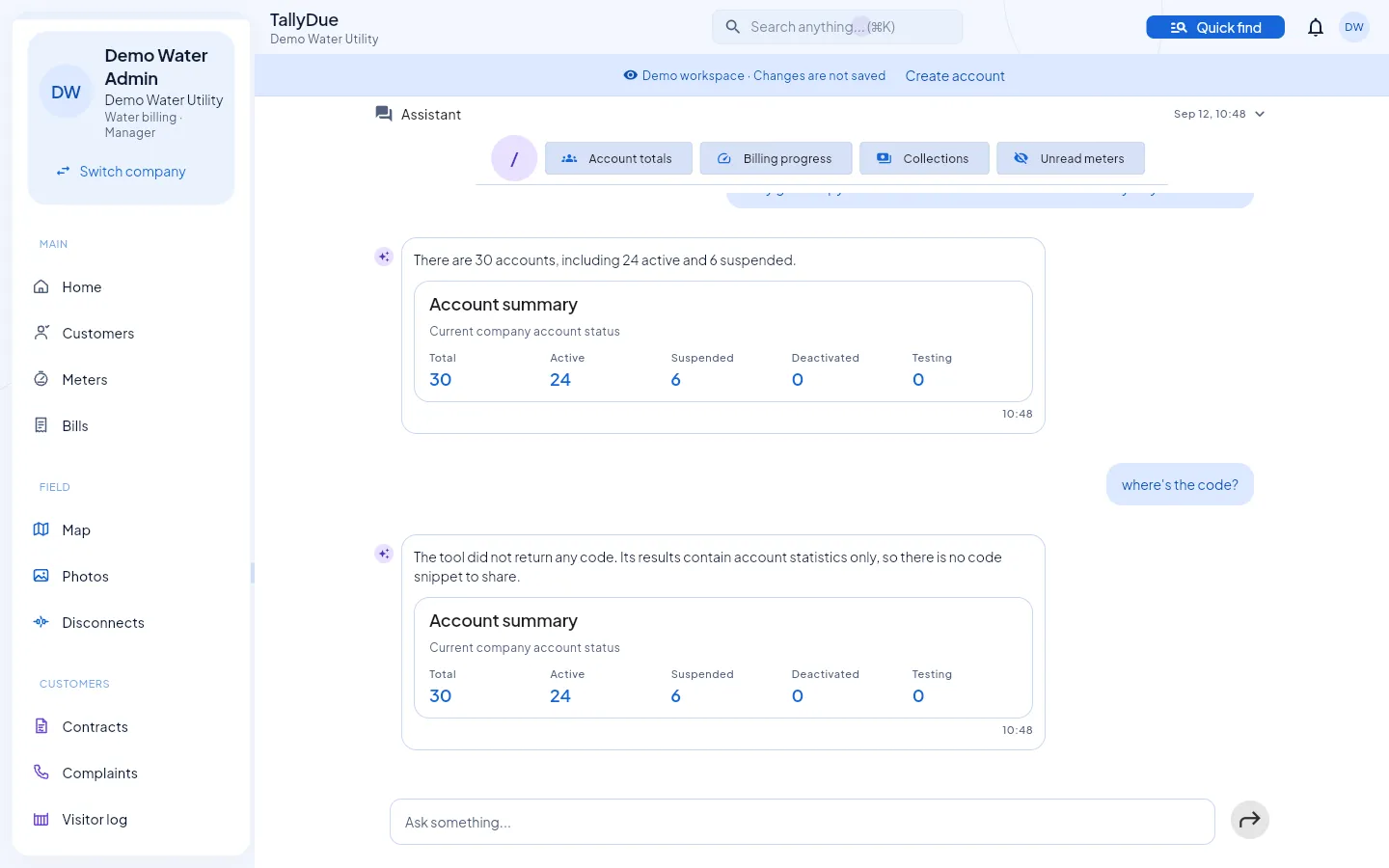
The Assistant is a chat inside TallyDue. Ask it for a number, a status, or help with a task, in plain words. It works on your own company’s data and respects your role, so it only offers what you are allowed to do.
The Assistant appears in the left menu as Assistant, and on the top bar of property and short-stay workspaces. If you do not see it, it is not switched on for your workspace.
Start a chat
Section titled “Start a chat”- Open Assistant.
- Select one of the quick tasks above the chat or one of the suggestions under the welcome message, or type in Ask something….
- Read the answer. Answers can include buttons that open the right screen.
Use the Conversation history button to return to an earlier chat and Clear conversation to start fresh.
What you can ask
Section titled “What you can ask”Water
- “How many accounts do we have?” for totals by active, suspended, deactivated, and testing.
- “Show billing cycle progress” for the cycle day, meters read, and collection pace.
- “How are collections this month?” for billed, collected, arrears, and collection rate.
- “How many unread meters do we have?” and “What is the status of meter 820?”
- “Which water accounts need collection follow-up?” for the highest unpaid accounts.
Property & Rent
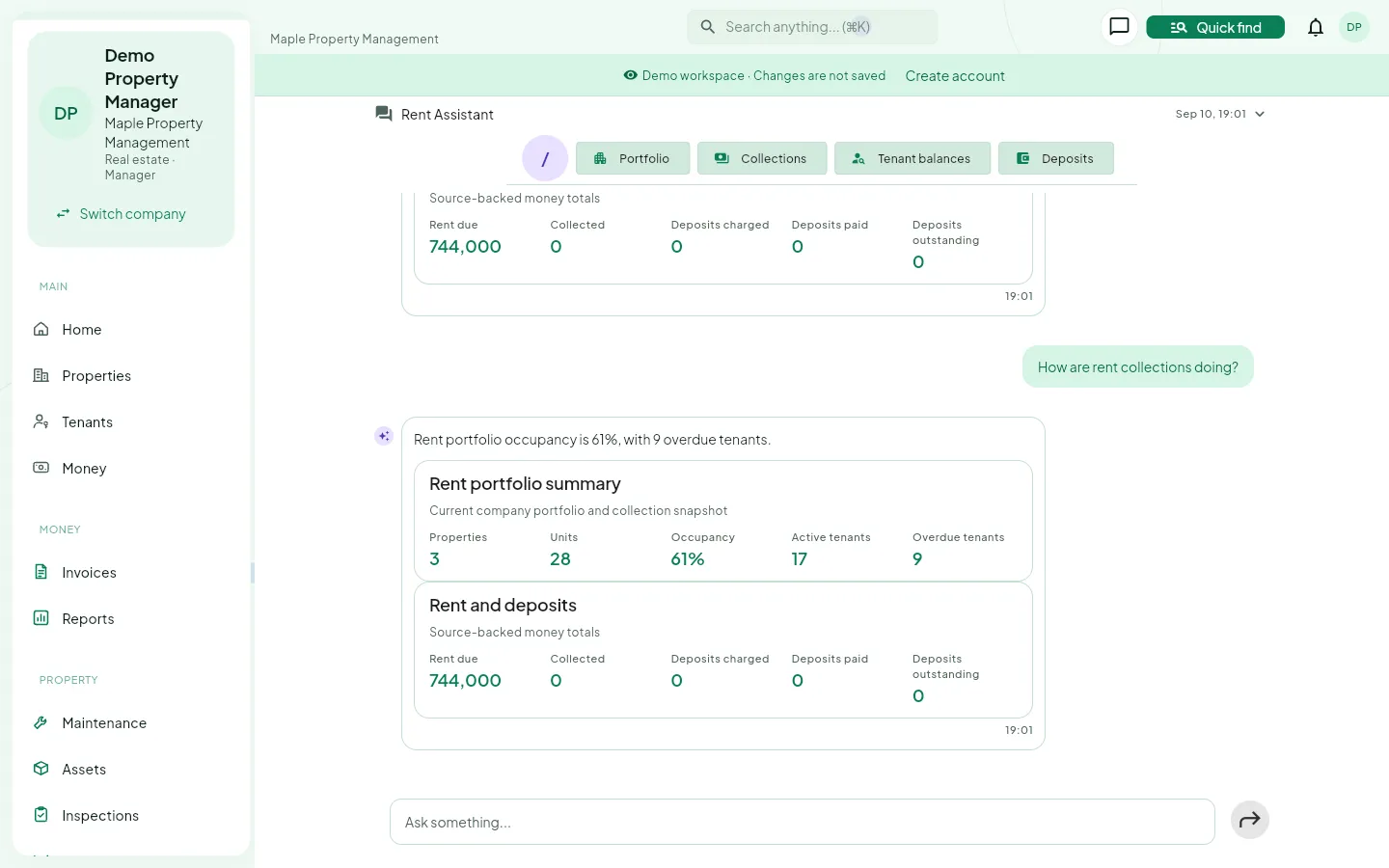
- “Show rent portfolio summary” for properties, units, occupancy, tenants, rent, and deposits.
- “How are rent collections doing?” for rent due, collected, and overdue tenants.
- “Which tenants have the highest balances?”
- “Summarize rent deposits” and “What is our rent occupancy?”
Short-Stay
- “Help me create a booking.”
- “Show today short-stay operations” for arrivals, departures, tasks, and low stock.
- “What check-ins do we have today?” and “Which short-stay turnovers need attention?”
- “What short-stay supplies are low?” and “How is short-stay revenue this month?”
It can also draft a reminder, such as an SMS follow-up for an account with a balance or a rent payment reminder. You review the draft before anything is sent.
Changes need your confirmation
Section titled “Changes need your confirmation”The Assistant prepares actions as a preview. Anything that changes your records, such as submitting a reading, recording a payment, or setting up a check-in, move-in, or invoice, waits for you to confirm it. Read the preview first. You can also open the screen it points to and do the task yourself.
Good to know
Section titled “Good to know”- It reads the same data you see in the app. If a number looks wrong, check the report or record it came from.
- It cannot attach files or take voice notes.
- It only offers actions your role and permissions allow.
- If it shows “Assistant unavailable”, try again shortly.